🤯 Time Slot & Labels Upgrade! 💜
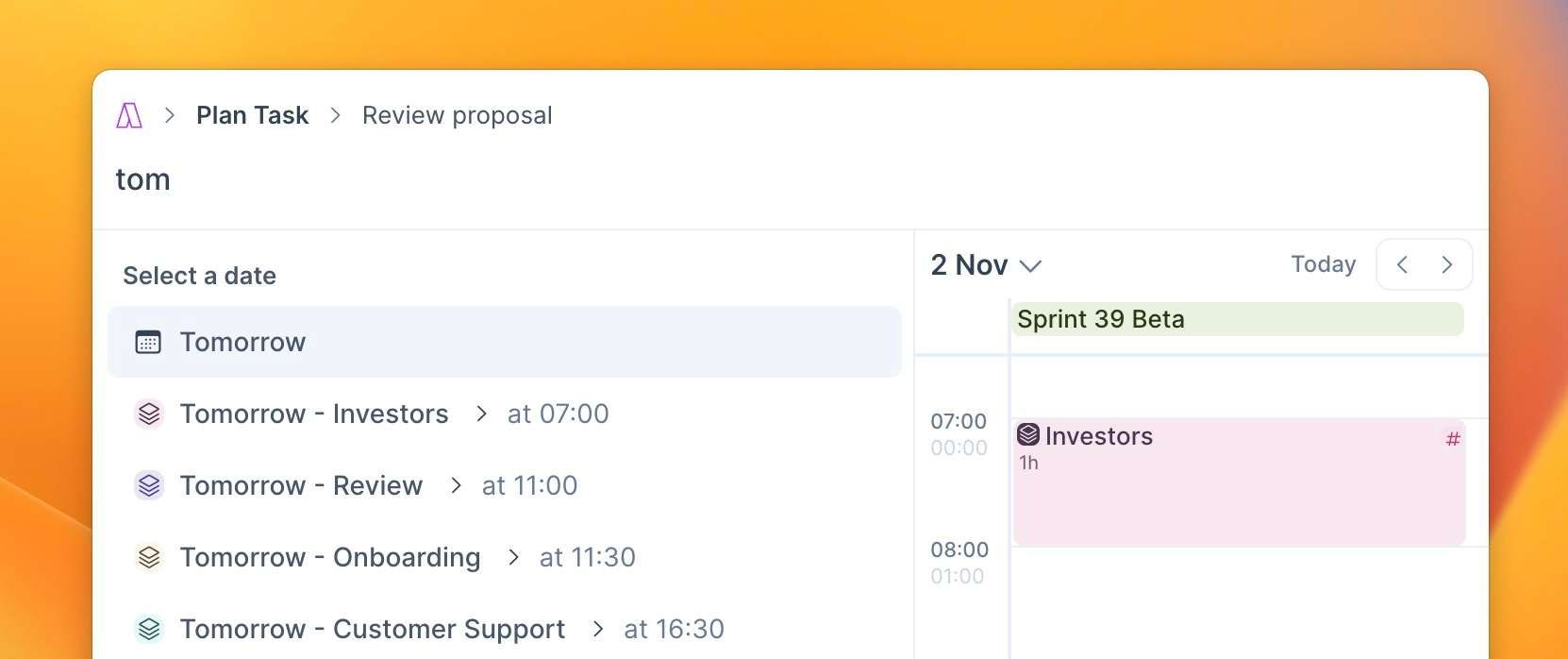
📅 Plan Tasks for Time Slots
The command bar's plan command now suggests time slots for seamless task planning.
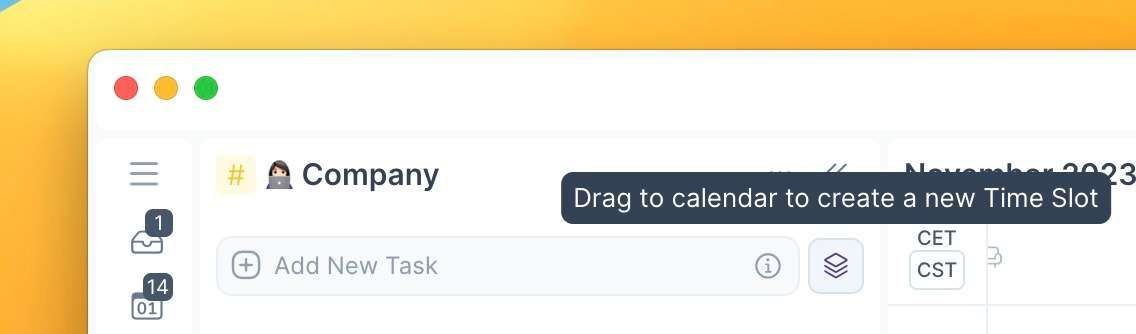
#️⃣ Create Time Slot from Label Page
Drag the slot button to effortlessly create a new slot from the label page. The slot inherits the label and its name as the title.
🎩 Manage Tasks Inside the Slot
✨ Magic Button: "Replan Undone Tasks" to move them to the next time slot of the same recurrence or sharing the same label.
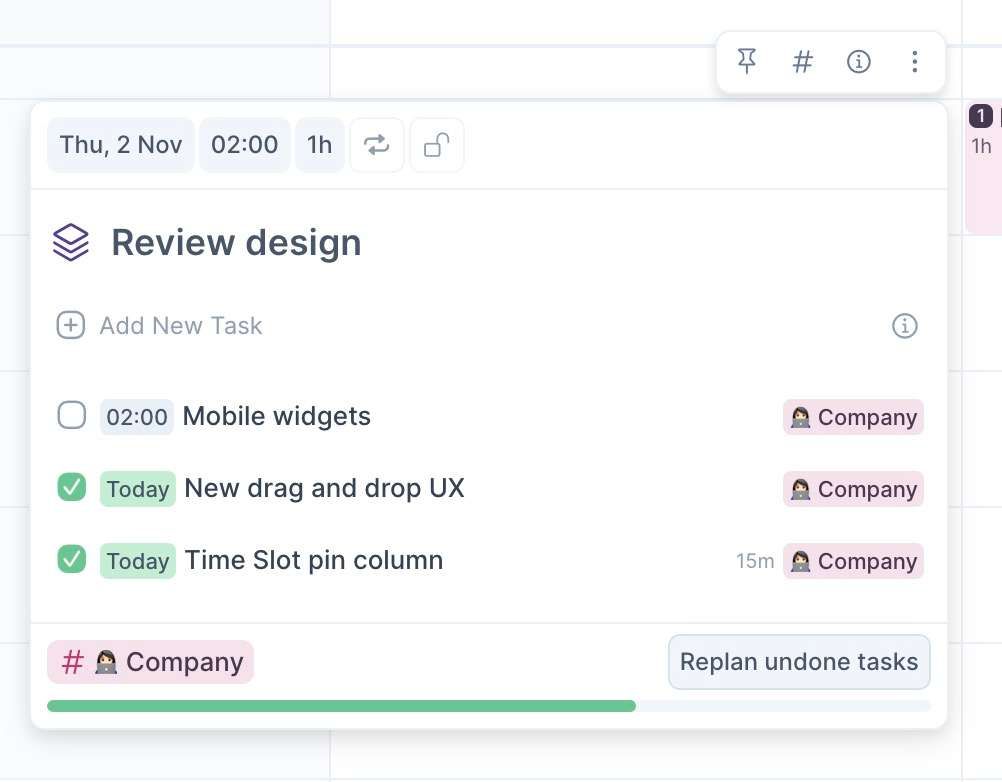
Use ⌘+A inside a slot to select all undone tasks.
Manually sort tasks within the Time Slot.
Tasks assigned to a time slot now automatically inherit its label.
Newly created tasks appear at the top of the list.
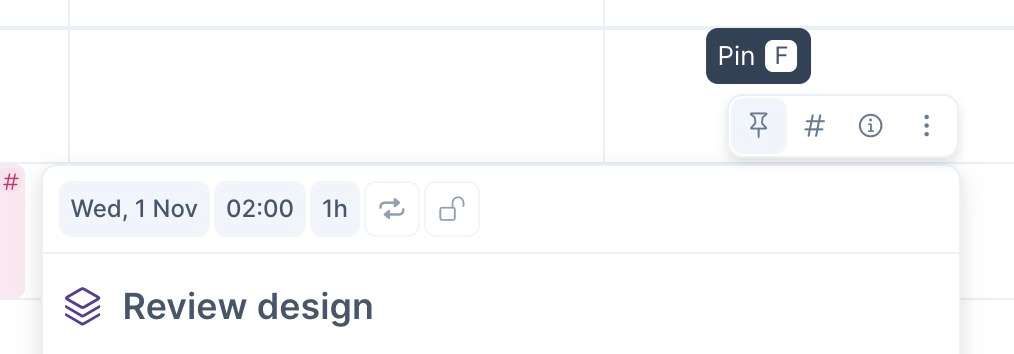
📌 Pin Slot on a New Column
Need to focus on a time slot and its tasks? Hit the shortcut F to open a new column for a wider view of your work.