New Meet With, Menu Bar and Plan experiences 🔥
👨👨👧 Improved Meet With
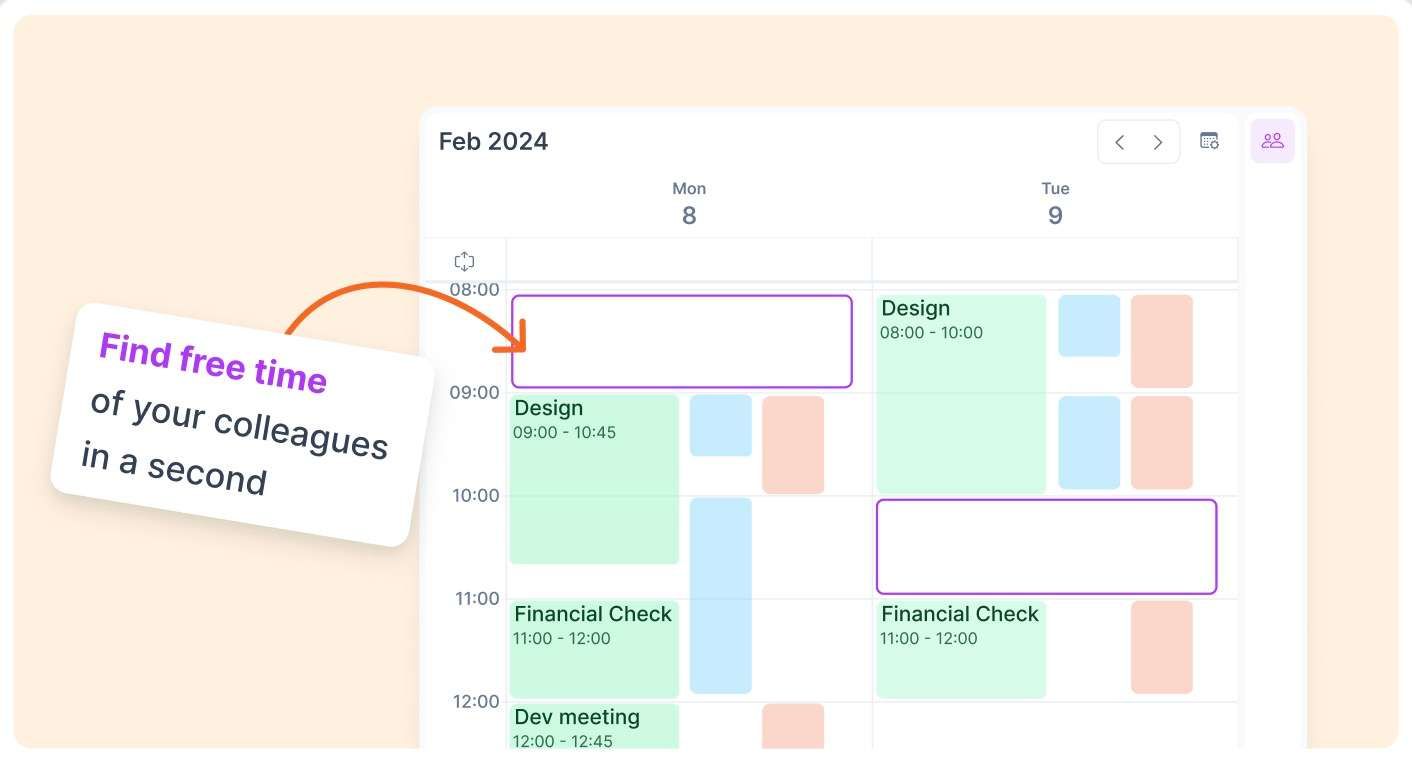
Finding the perfect time to meet with your team has never been easier!We show a different column for each calendar added to the meet-with, to easily distinguish each person.
🗓️ Plan & Time Slots
Create Time Slot from a Project: Drag and drop a project directly from the menu to the calendar to create a new project-specific Time Slot in the calendar.
Plan tasks on a Time Slot: Type
#projectnameon the command bar while planning a task to see all the slots with that label.Suggest to plan for a Slot: Right-click plan suggestion on a task now includes Time Slots
🖼️ Menu Bar
The Tray Menu is now called Menu Bar and has a new look :)
New option to hide the Menu Bar and show the Akiflow icon only in Settings > General.