Add Visibility Option to Time Slots in Calendar
- What is the problem you are trying to solve?
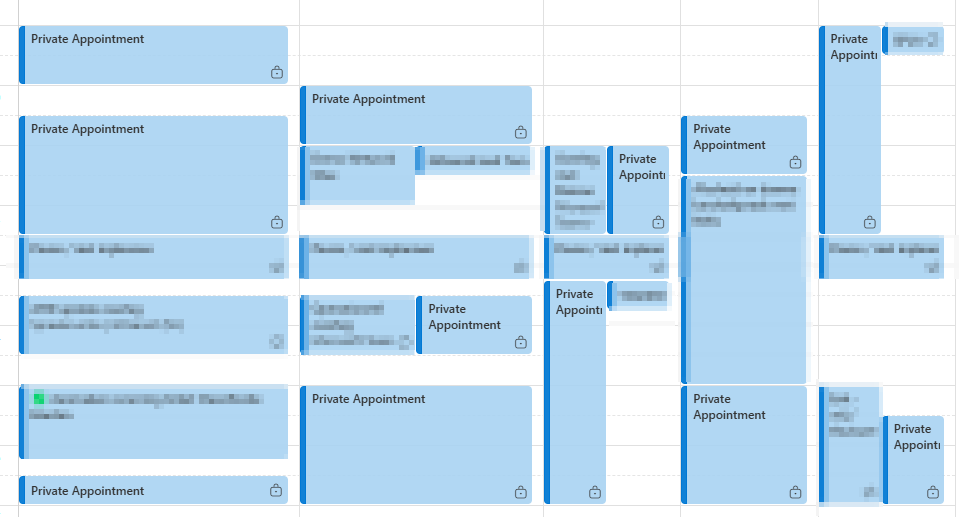
I use the Time Slot functionality to organize my week with recurring time slots, so I can allocate time to specific projects in advance. However, Time Slots are, by design, always marked as private appointments in the calendar. This means my colleagues cannot see how my schedule is filled, which makes planning difficult.
- In your mind, what does the feature look like?
I would like the option to make a Time Slot visible (not private).
- If this idea is implemented, what is the long-term benefit to your business?
This feature would allow me to use Time Slots more effectively while maintaining control over my schedule. It would make collaboration and planning easier and increase productivity.
Log in to comment and vote
Comments3
Feb 4, 2025
[Deleted User]
Jan 28, 2025
Hi Erik Zwep Thank you for sharing your feedback! I wanted to let you know that you can set the default visibility of your Time Slots to "Public." This can be configured under Settings > Time Slots. When you set Time Slots as public, anyone with access to your calendar can see the details, including the description, which should help with collaboration and planning with your colleagues.
Erik
Jan 28, 2025
Jayrich Sebullen
This setting was already set to Public for me. I clicked the option again just now and tested it afterward. It’s working fine now. Thank you.