No text formatting buttons when creating a task in the mobile app
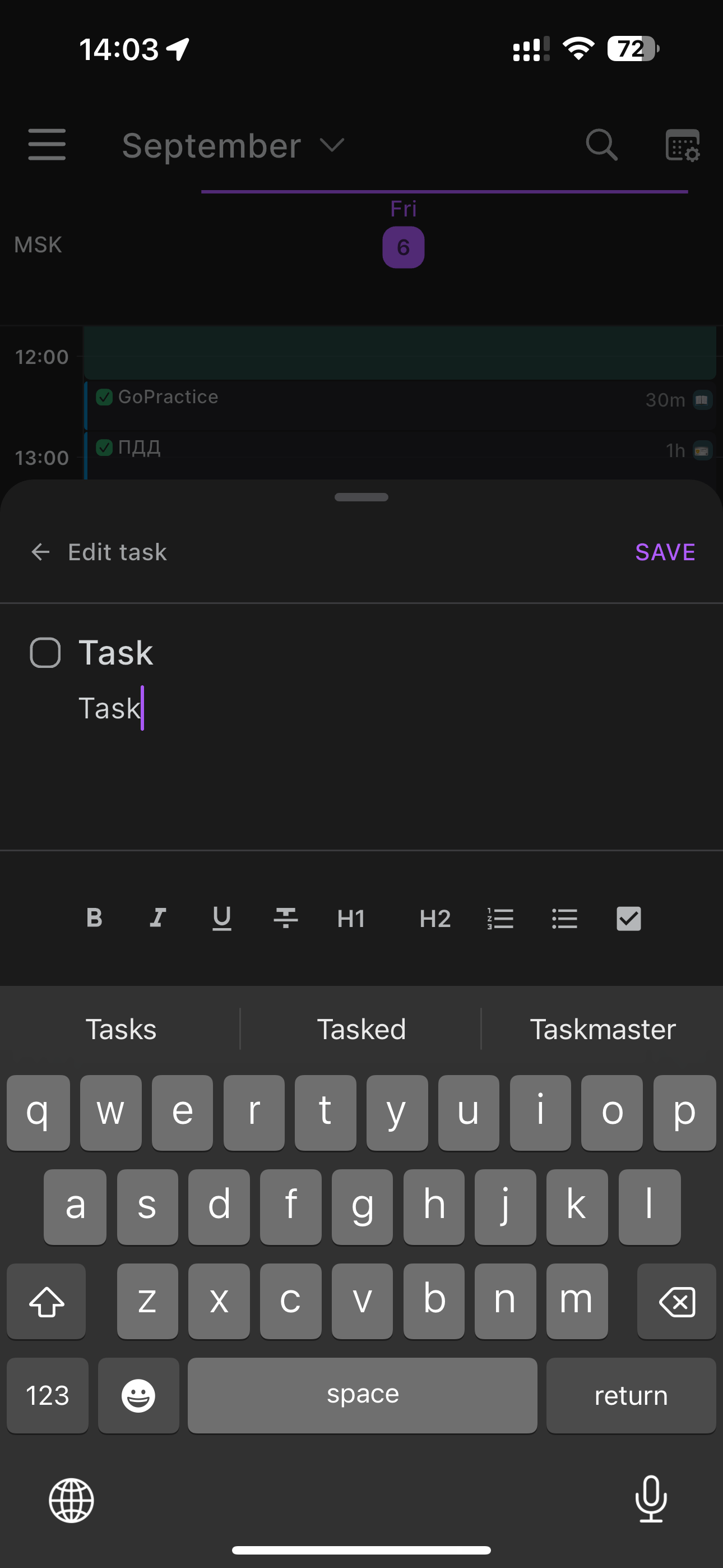
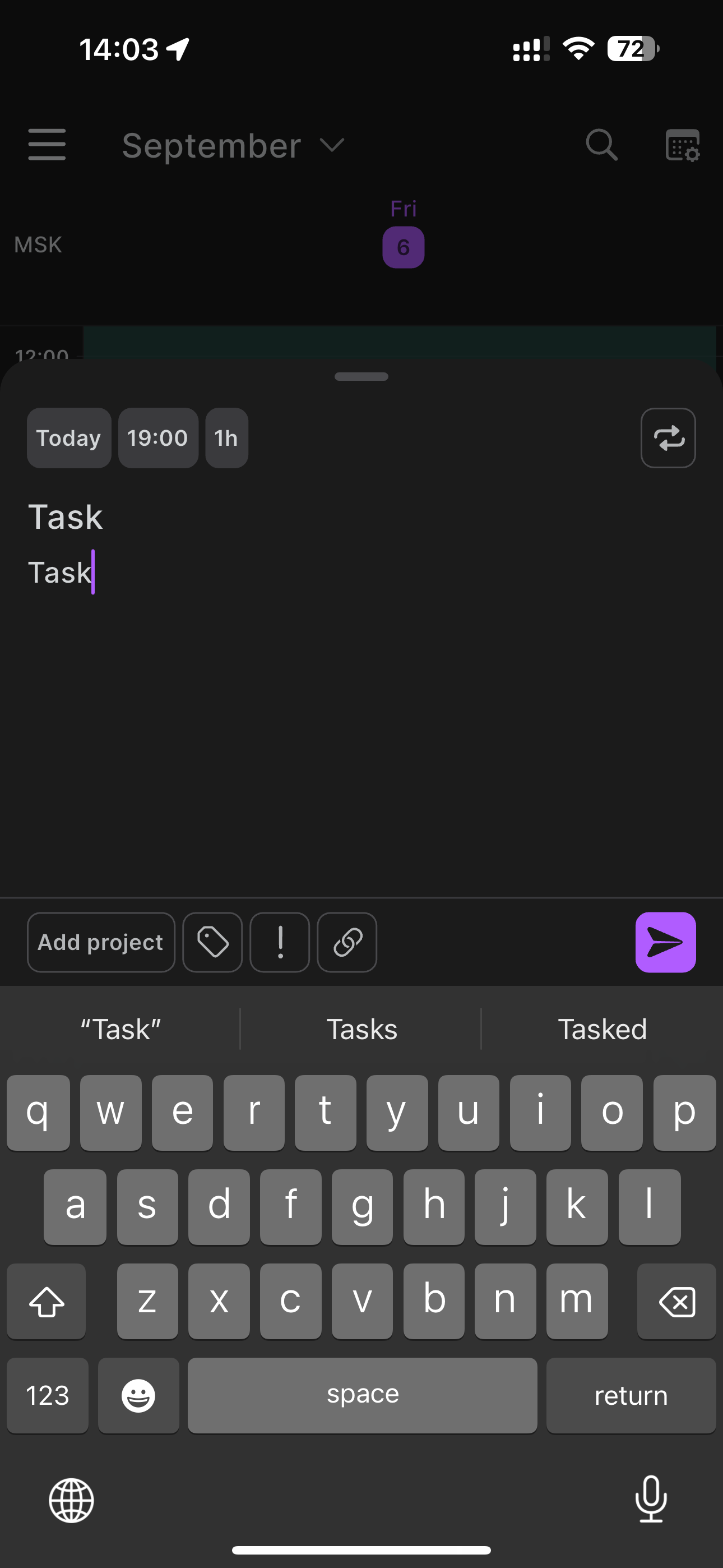
When I create a task on the timeline through the mobile app and write a task description, there are no text formatting buttons. Only if I create the task and then press edit description, do the text formatting buttons appear.
Log in to comment and vote
Comments7
Mar 6, 2025
Hi everyone!
We improved the sync between mobile and desktop description formatting, let us know if you encounter any issues.
Thanks!
Jeson P
Oct 22, 2024
Hi Sergei This is actually not a bug but our product team are aware of this and are currently reviewing UI/UX improvements related to this. :)
Oct 22, 2024
Oct 10, 2024
Jeson P
Oct 10, 2024
Thank you for confirming. We've submitted a report on this and will update you as soon as we receive a feedback from our development team! Thank you for your patience on this matter!
Jeson P
Sep 19, 2024
Hi Sergei on our OFFICIAL RELEASED version on App Store - https://apps.apple.com/us/app/akiflow-time-blocking-calendar/id1621279084
Can you confirm if you are on the same version and if the issue persist?
[Deleted User]
Oct 2, 2024
Jeson P Yeah, I just checked. I'm on the latest version of the iOS app, and it looks like the screenshots. There is no formatting available until I create a task and go to edit the description. So, when I'm adding the description during task creation, no formatting options are available.