Changelog

Follow new updates and improvements to Akiflow.

📱 Mobile App is now live for iOS & Android 🦄

Our mobile app is officially out of beta and available for download on both iOS and Android. 🚀

🍏 iOS link: you can download the app and remove the old TestFlight app.🤖 Android link: the app should update automatically to the new version.

Some things take longer than others, and I wanted to take a moment to appreciate the process!

Quick throwback of the app since we started Akiflow:

  • June 2 2021: we release a page to add tasks on mobile.

  • December 29, 2022: the mobile app is available in beta access > bold date to release something I’d say ..

  • March 20, 2023: We added the calendar views to the apps.

  • September 10, 2024: the app is live in the stores 💜
Smoother Task Management with Style Upgrades and Emojis

🦄Task List Behavior and Style Enhancements:

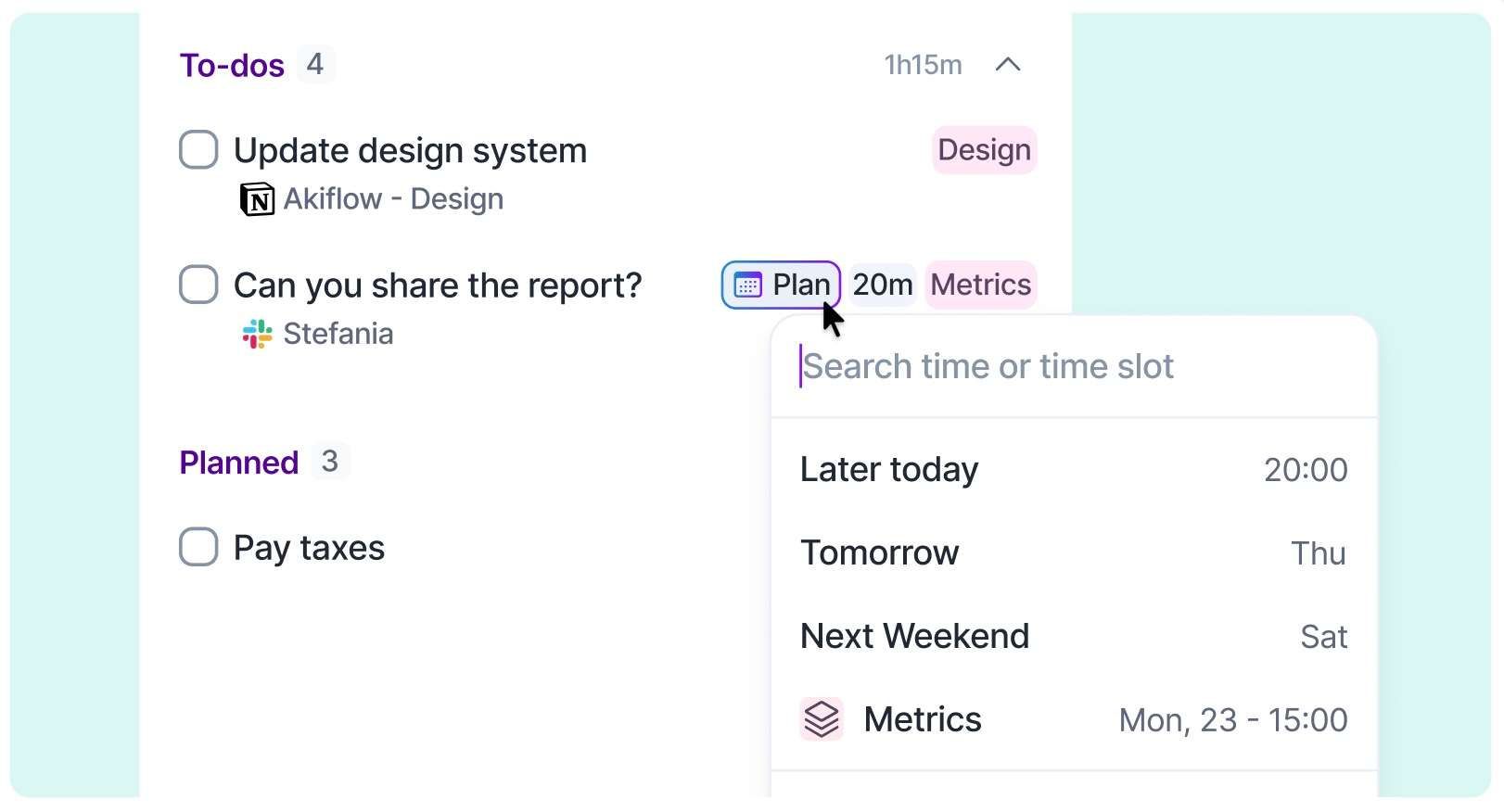
  • One-Click Task Editing: Quickly plan tasks in your Inbox and process them with just a single click on any field.

  • Task List Style Update: The task title is now aligned to the left, while the Plan Date and task status have been moved to the right for better clarity.

  • Task Creation & Tray Menu Review: We've refined their style to match the updated task list design.
    Screenshot 2024-08-28 at 12

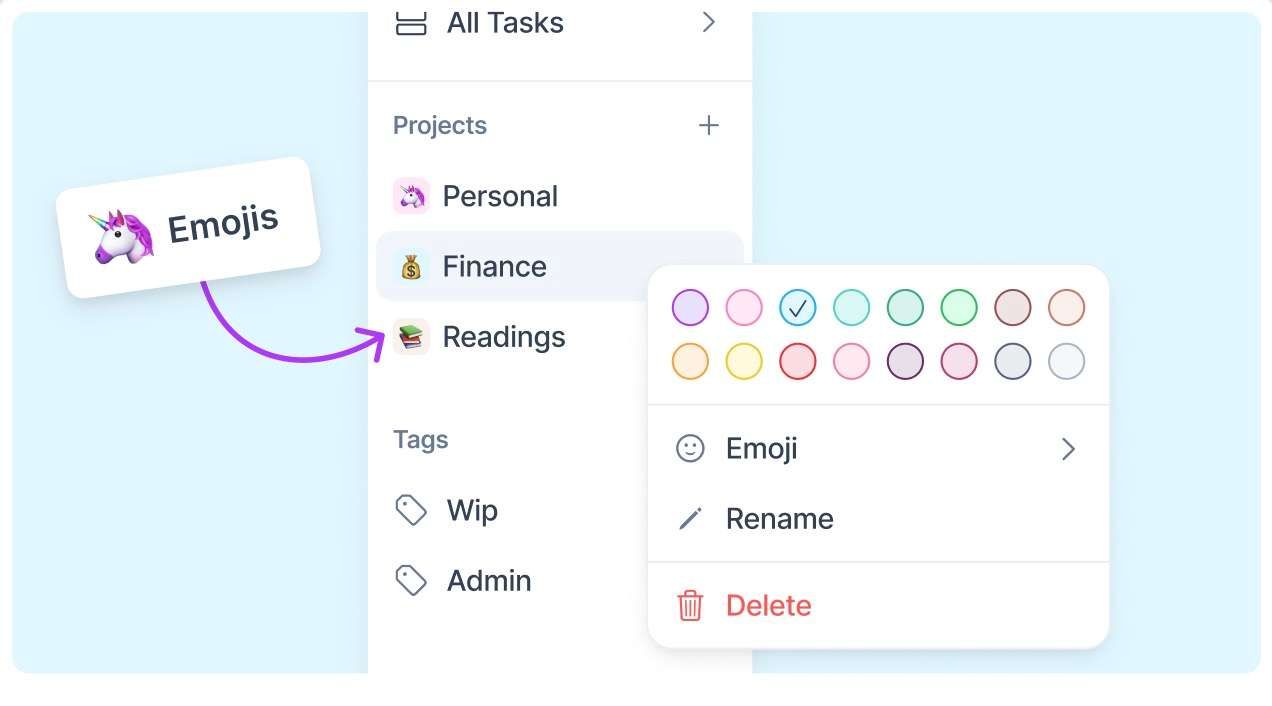
🧩 Project Style Refresh + Emoji Support:

  • Project Letter Indicator: Easily identify which project a task belongs to by the first letter of the project name, replacing the old generic # icon across the calendar, filters, and more.

  • Emoji Integration: You can now choose and add your favorite emojis to tasks.
    Screenshot 2024-08-20 at 09

📅 Calendar & Interface Improvements:

  • Akiflow Logo: Our logo got a shiny new update! 💫

  • Hover Tooltips on Calendar: When you hover over empty spaces in the calendar, a tooltip now clearly indicates when you're creating an event, both on your primary and secondary time zones.

  • Tooltip Review: We've also reviewed and improved the tooltips throughout the calendar for clearer and better guidance.

  • Calendar Navigation: Smoothly scroll through calendar side elements to easily view upcoming dates.

  • Menu Simplification: The menu's UI is more streamlined. The collapse button has moved to the app header, and the edit mode is now accessible via right-click.

  • Settings Page Clarity: We've improved the menu in the settings page to make it more intuitive.

🆕 More Browser Support, ClickUp for Guests, and More

🖥️ New Browser Support: The capture feature on now supports Arc and Vivaldi (MacOS only) as well.👥 ClickUp Guest Support: You can now connect ClickUp as a guest user, making collaboration even smoother.🔗 Simplified Slack Link Handling: We’ve streamlined how Slack links open—only one link will open at a time to keep things tidy.📸 Improved Capture Command: When adding information, the “capture” command now always appears first, making it more intuitive to capture data.⌨️ Shortcut Section Enhancement: The “Shortcut” section in the command bar has been refined for easier navigation.⏰ Clearer Overdue Tasks: Overdue tasks now have a cleaner look—time is only displayed if they’re planned for today.⚡ Performance Boost: We’ve made under-the-hood improvements to enhance the overall performance of Akiflow.❌ Quick Search Column Exit: Pressing X or Esc now closes the search column if the task list was previously closed.

Earlier updates