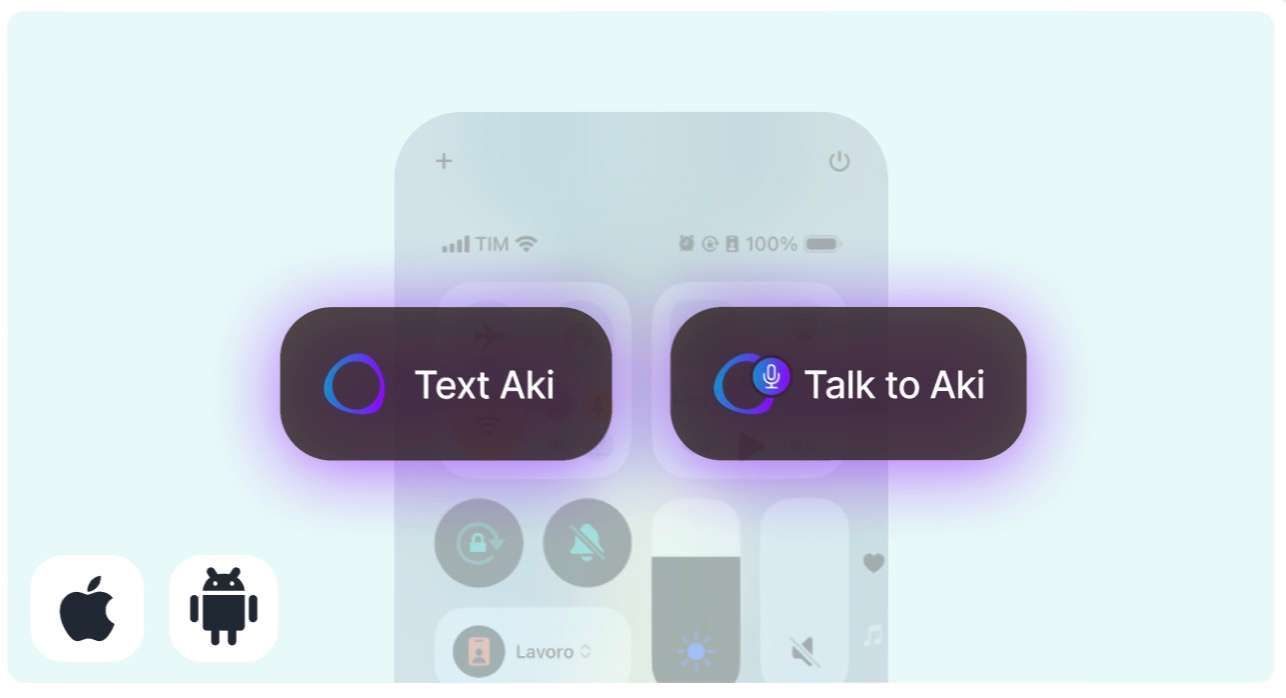
📱New Widgets: Text or Talk to Aki instantly
We added new Widgets to Text or Talk to Aki from your home screen, both on Android & iOS.If you haven't, download the mobile app here 🔗
Follow new updates and improvements to Akiflow.
We added new Widgets to Text or Talk to Aki from your home screen, both on Android & iOS.If you haven't, download the mobile app here 🔗
Aki is now able to collect publicly available information from the internet.This is a first version of this feature and might hallucinate a bit, or it might return not the most recent news. Also, you might need to specify where you are (if you ask about news for example)
You can now ask Aki questions about Akiflow to get instant support!
You can now delete via Aki, tasks created by Aki only. Tasks will be trashed and not permanently deleted. The trash is not accessible from Aki, but from the desktop or mobile apps.
Aki is not capable of creating recurring tasks and events with different types of recurrences. When asked to edit a task/event Aki will only edit single instances (like selecting “only this” from the element popup).
• Aki’s smart suggestion is waiting in your Inbox! Click it once.. and boom, your tasks are prioritized.

• Open the Command Bar and** type anything to Aki**! Send the message *including any shortcut* and natural language recognition. Try: "Create an event with @mycolleague when we're both free next Friday"
Record a message to Aki straight from the Command Bar:
• Open the Command Bar from anywhere • Hit Tab to speak • Hit Enter to send
